

Step 1.
Choose the size of mini patch you want to mark, and face that side towards you.

Step 2.
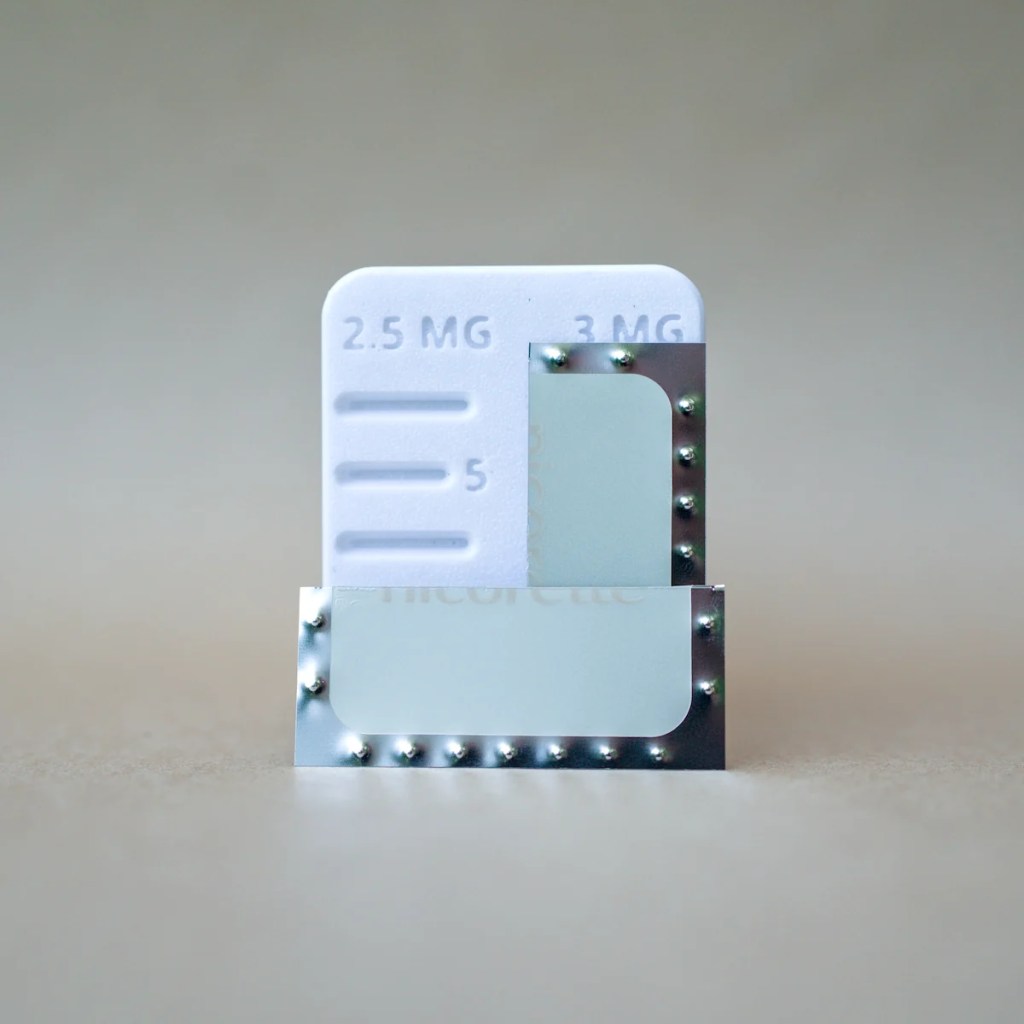
Remove your 25mg Nicorette patch from the wrapper. It should look exactly like this.
Step 3.
Cut the patch in half along the divide in the foil backing. Please use clean scissors. It can be easier to do this with the foil facing towards you.

Step 4.
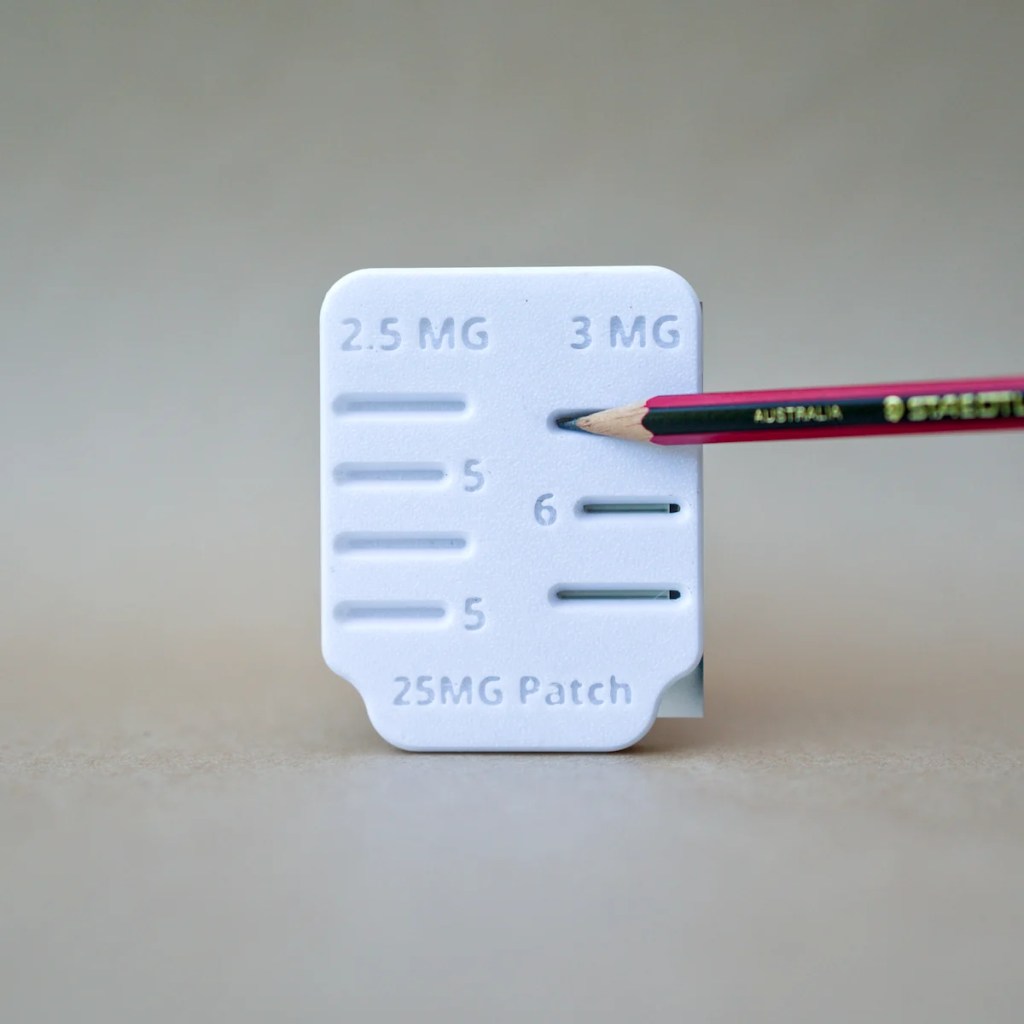
Slide the half patch into the slot nearest to you in the side of the Patch Portion tool.
Step 5.
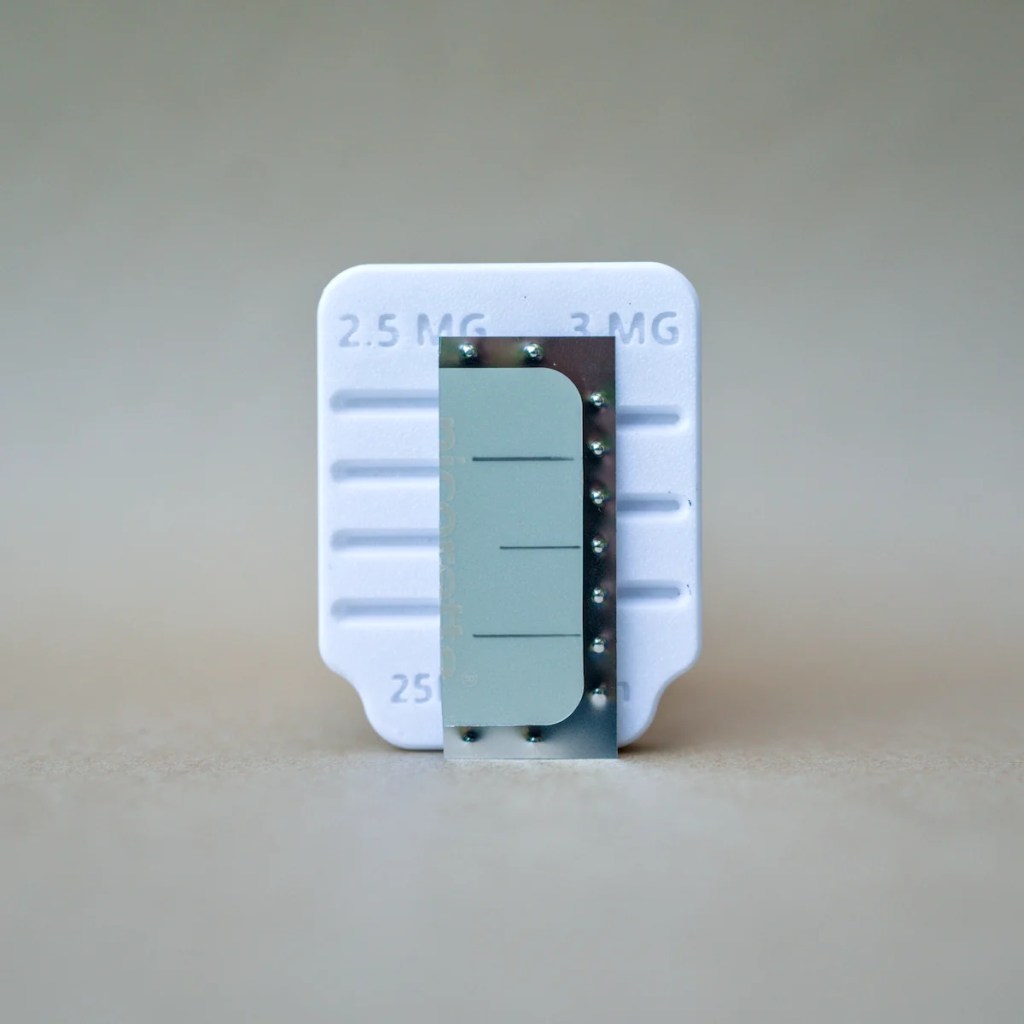
Make sure the patch is fully seated in the slot, and mark the patch with a pencil or pen.
Please note that if you make a mistake with pencil, you can erase the marks with a rubber eraser and try again.
Step 6.
Remove the patch by pinching the bottom corner and pulling out. Cut along the lines you’ve made, and apply a mini patch. Please refer to the instructions that come with your patches for application instructions.